Settings > Business holds what clients see about your company on quotes, invoices and emails. It’s also where you set your tax numbers, default language, timezone and the hours you’re open.
The owner can change everything on this page. Someone whose role has the Company settings permission can change the tax numbers, language, timezone and hours, but not the branding or legal name.
Your business
This section is for the owner.
- Go to Settings > Business.
- Under Your business, fill in the Business name, Phone, Email, Website and Address.
- Under Logo, upload your logo. It’s shown at the top of invoices, quotes and emails.
- Pick a Brand color. It’s used for the buttons in your emails.
- Click Save changes.
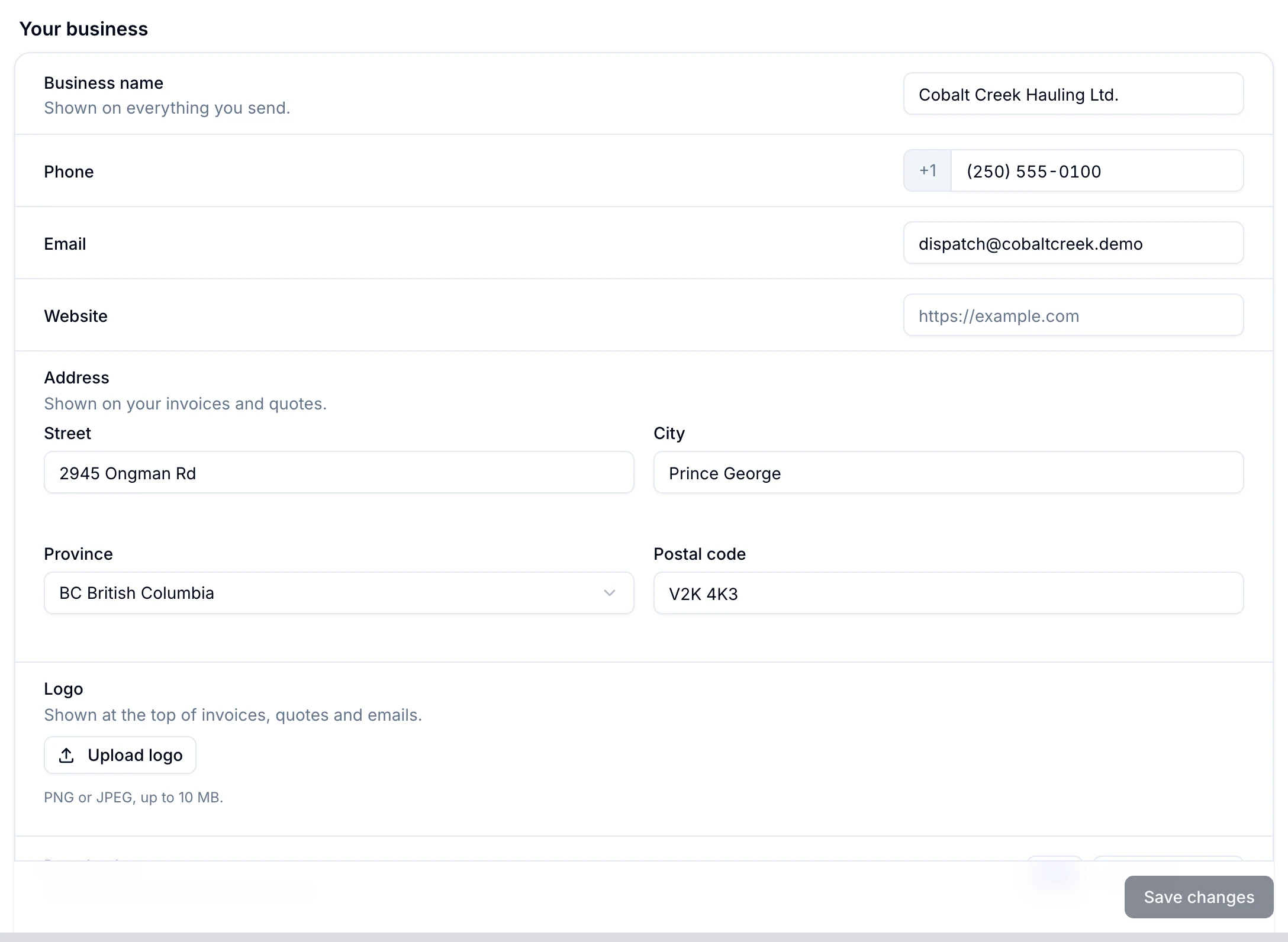
The logo can be a PNG or JPEG up to 10 MB. After you choose the file, you can drag it into place, zoom, and pick a shape (Original, Square or Wide) before clicking Use this logo.
To check how it all looks before clients see it, use the two buttons under Preview. Invoice preview shows a sample invoice and Email preview shows a sample invoice email, both with your unsaved changes. Nothing is sent or created.
On invoices and emails
Also for the owner, this section covers the smaller details on your documents:
- Legal name is shown in email footers when it’s different from your business name.
- Billing contact is who clients contact about bills.
- Extra details are printed under your contact details on quote and invoice PDFs, like a WCB number or your account number. Click Add detail, then fill in both the label and the value.
Tax numbers
Each tax registration your company has, like GST or PST, has its own row here. The numbers are encrypted and hidden by default.
To see or change one, click Reveal, then Reveal again in the window that asks you to confirm. Revealing a number is recorded in the audit log, so only do it when you need to check or edit it. Type the new number and click Save changes.
Language and hours
Default language is used for people and clients who haven’t picked one. Choose English or Français. Quebec businesses should use French. Each person can still pick their own language on their account page.
Timezone sets the times on your schedule, bookings, reports and due dates. If you have upcoming bookings, Dispatch won’t let you change it until they’ve passed or you’ve cancelled them. Click See bookings to find them.
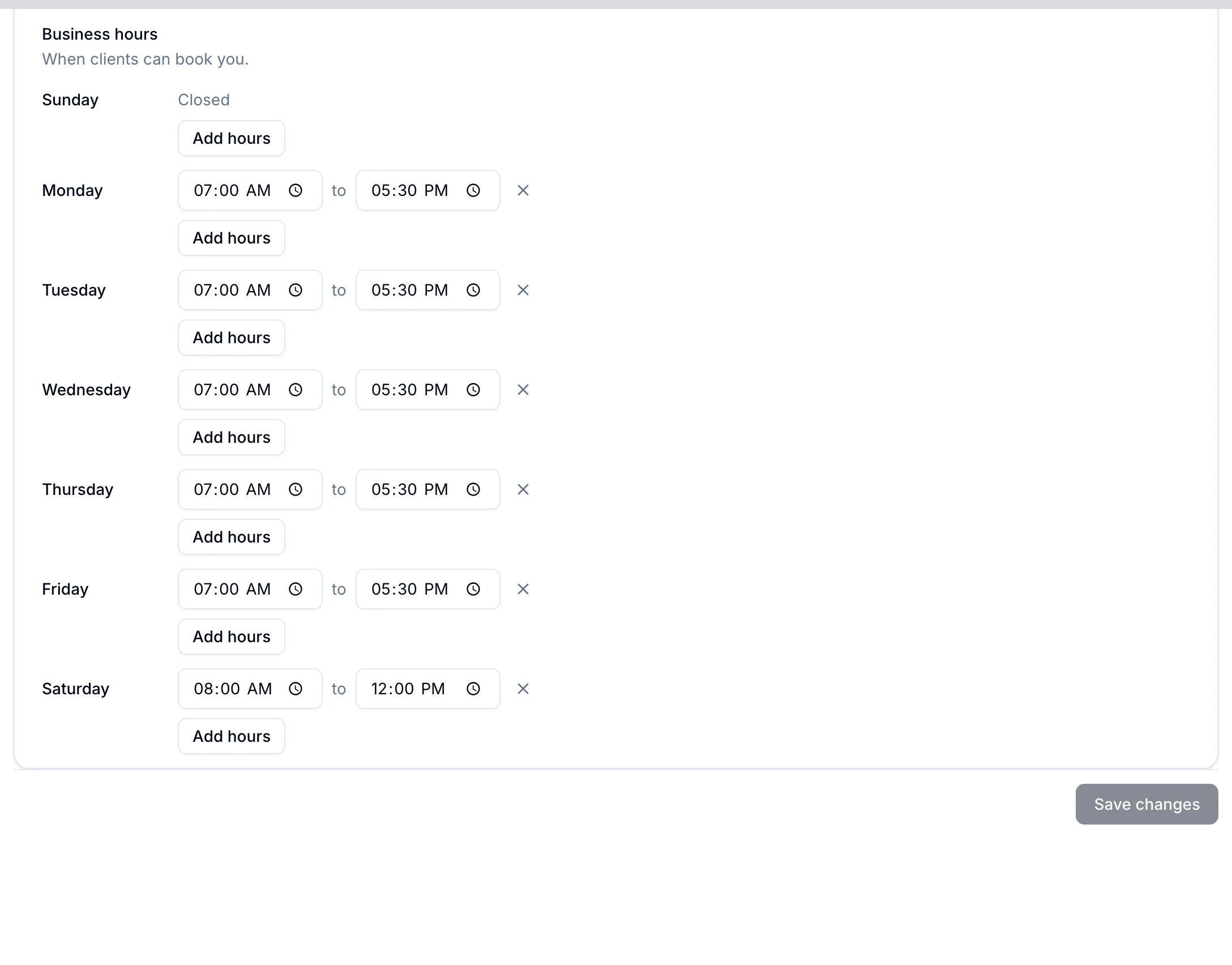
Business hours are the days and times you’re open. They set when clients can book you, and the schedule uses them to show free time.
- For each day, click Add hours and set the opening and closing time.
- Add a second range on the same day if you close for part of the day.
- Leave a day with no hours to mark it Closed.
- Click Save changes.