Settings > Documents decides what your quotes, invoices and emails say.
The owner can change this page, and so can anyone whose role has the Documents settings permission.
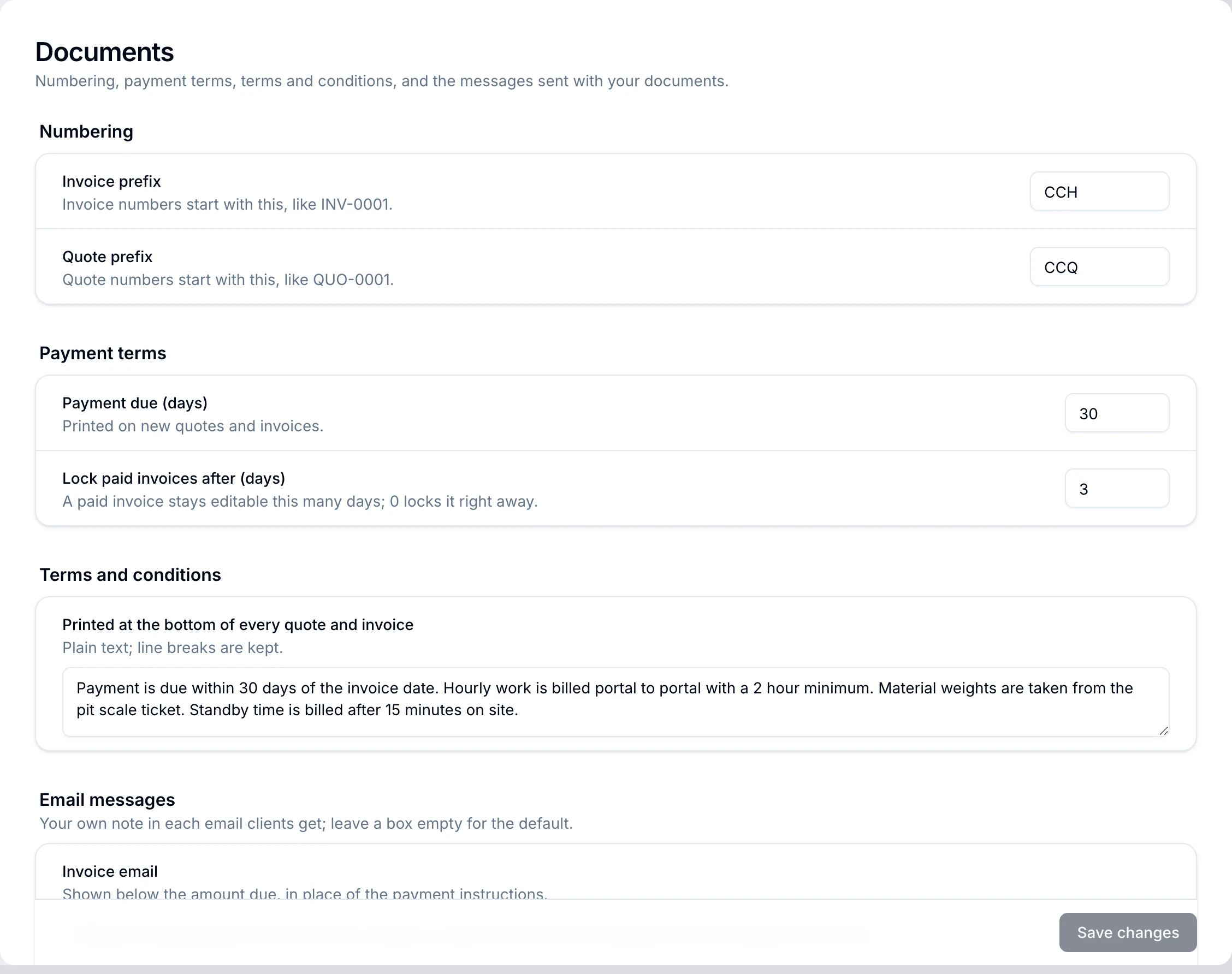
Numbering
Invoice prefix and Quote prefix are the letters at the start of each number. With the prefix INV your invoices are numbered INV-0001, INV-0002 and so on. A prefix can be 1 to 10 capital letters or numbers.
Payment terms
Payment due (days) is how many days clients have to pay. It’s printed on new quotes and invoices.
Lock paid invoices after (days) is how long a paid invoice stays editable. Set it to 0 to lock paid invoices right away.
Terms and conditions
Whatever you type here is printed at the bottom of every quote and invoice. It’s plain text, and your line breaks are kept.
Email messages
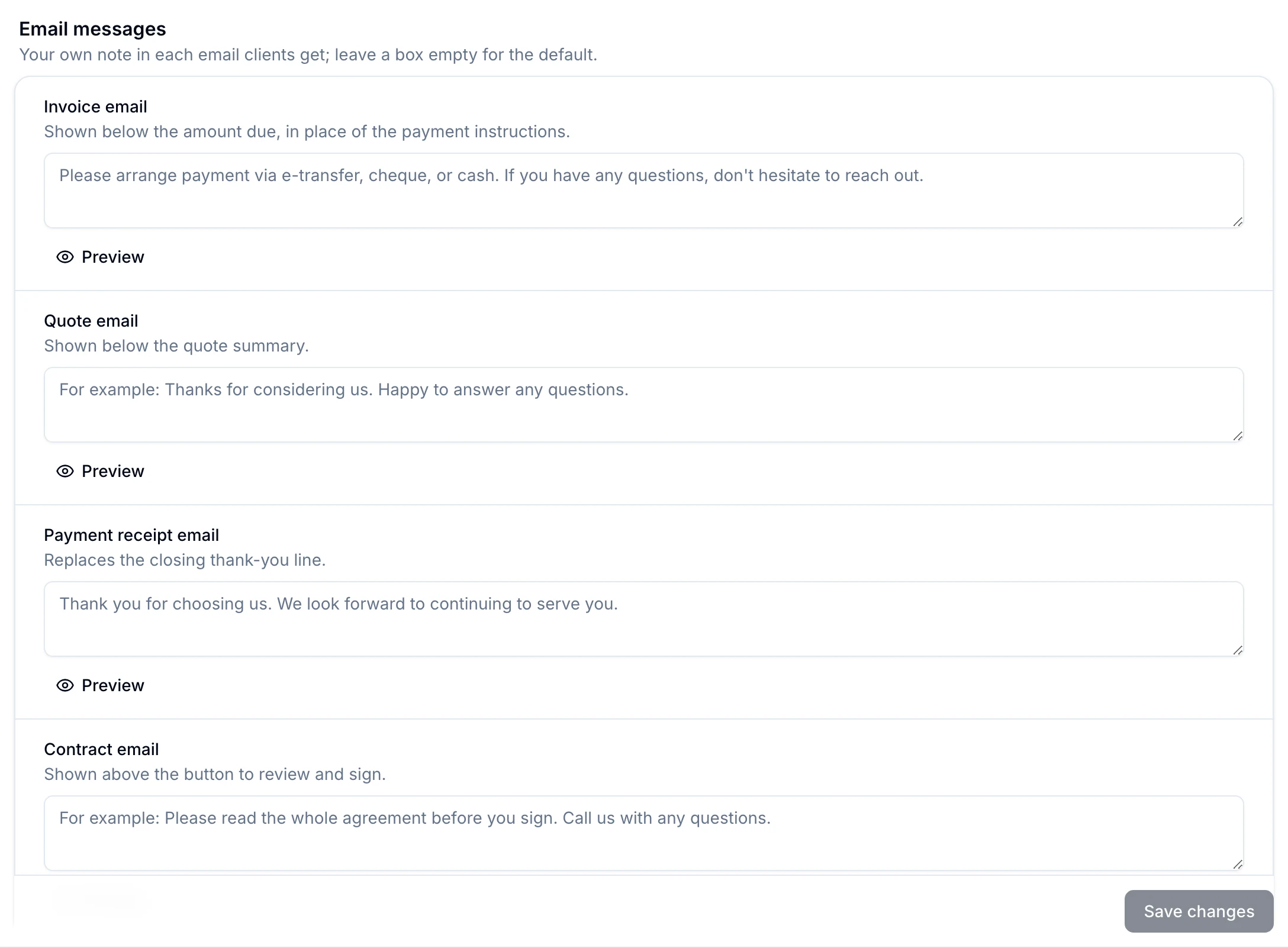
Each email a client gets from Dispatch can carry your own short note. Leave a box empty to use the standard wording.
- Invoice email: shown below the amount due, in place of the payment instructions.
- Quote email: shown below the quote summary.
- Payment receipt email: replaces the closing thank-you line.
- Contract email: shown above the button to review and sign.
Click Preview next to a message to see a sample email with your note and your saved branding. No email is sent. Each message can be up to 1,000 characters.
The message in payment reminders is set on the Getting paid page.
Contracts
Contract templates are the contracts your clients sign online. Click Manage templates to create or edit them.
Turn on Show contracts on tickets to add a Contracts card to every ticket.
When you’re done, click Save changes at the bottom of the page.