
Settings is where you set up how Dispatch works for your company: your business details, how you get paid, what your documents say, and how jobs are set up. Open it from Settings in the left bar.
The owner can open every part of Settings. Admins and dispatchers see only the areas their role allows. By default admins get all of them and dispatchers get none, and the owner can change that on the Roles page.
What’s in each area
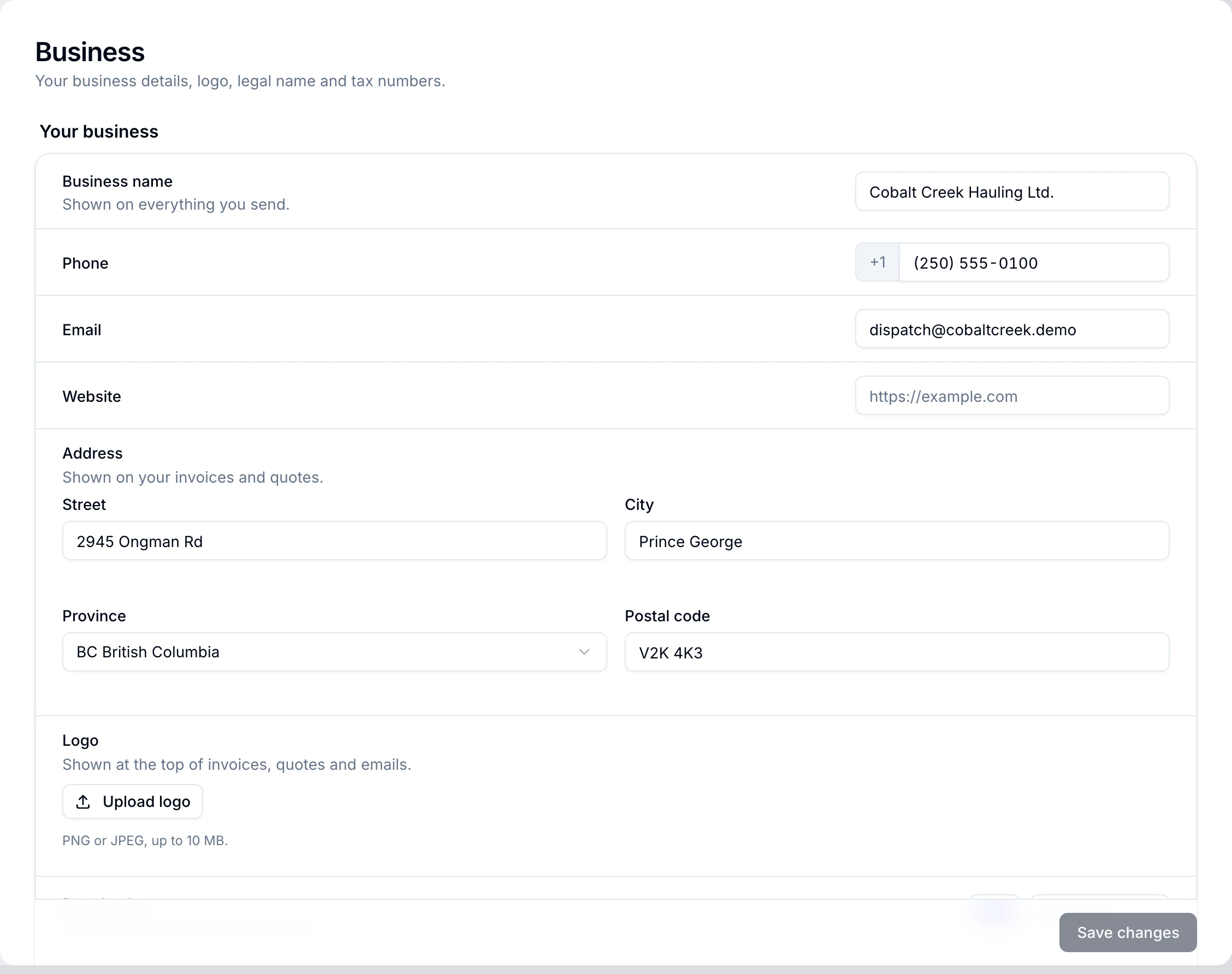
Business holds your business name, logo, brand colour, legal name, tax numbers, default language, timezone and business hours. See business details.
Getting paid covers how clients pay you, payment reminders, overdue interest and cash rounding. See getting paid.
Documents sets your quote and invoice numbering, payment terms, terms and conditions, the messages in your emails, and contract templates. See document settings.
Jobs is where you rename things, choose which fields show on the ticket form, add custom fields and tags, and decide what needs approval. See job settings.
Add-ons lists the extra features on your account and the outside tools you’ve connected. See add-ons.
Team opens the People page.
Plan and usage shows your plan and how much of each limit you’ve used. Only the owner sees it. See plan and usage.
Who can change what
Some things always stay with the owner, even for admins who can open the area:
- In Business: your business name, logo, colour and the legal name and billing contact on your documents.
- In Getting paid: how clients pay you, when reminders go out, and overdue interest.
- In Jobs: the industry template.
- Plan and usage and card payment setup.
Someone without these sees only the parts they’re allowed to change.
Saving your changes
Each Settings page has one Save changes button at the bottom. When you change something, the bar shows Unsaved changes and the button turns on. If you try to leave the page before saving, Dispatch asks whether you want to stay or leave without saving.
A few lists, like tags and custom fields, save as you add or change each item. Those are pointed out in their articles.